Meta Ads
Meta Ads ROAS for Shopify: how to see what your ads really earn

Siddhartha Sharma
Founder, Novatech Digital
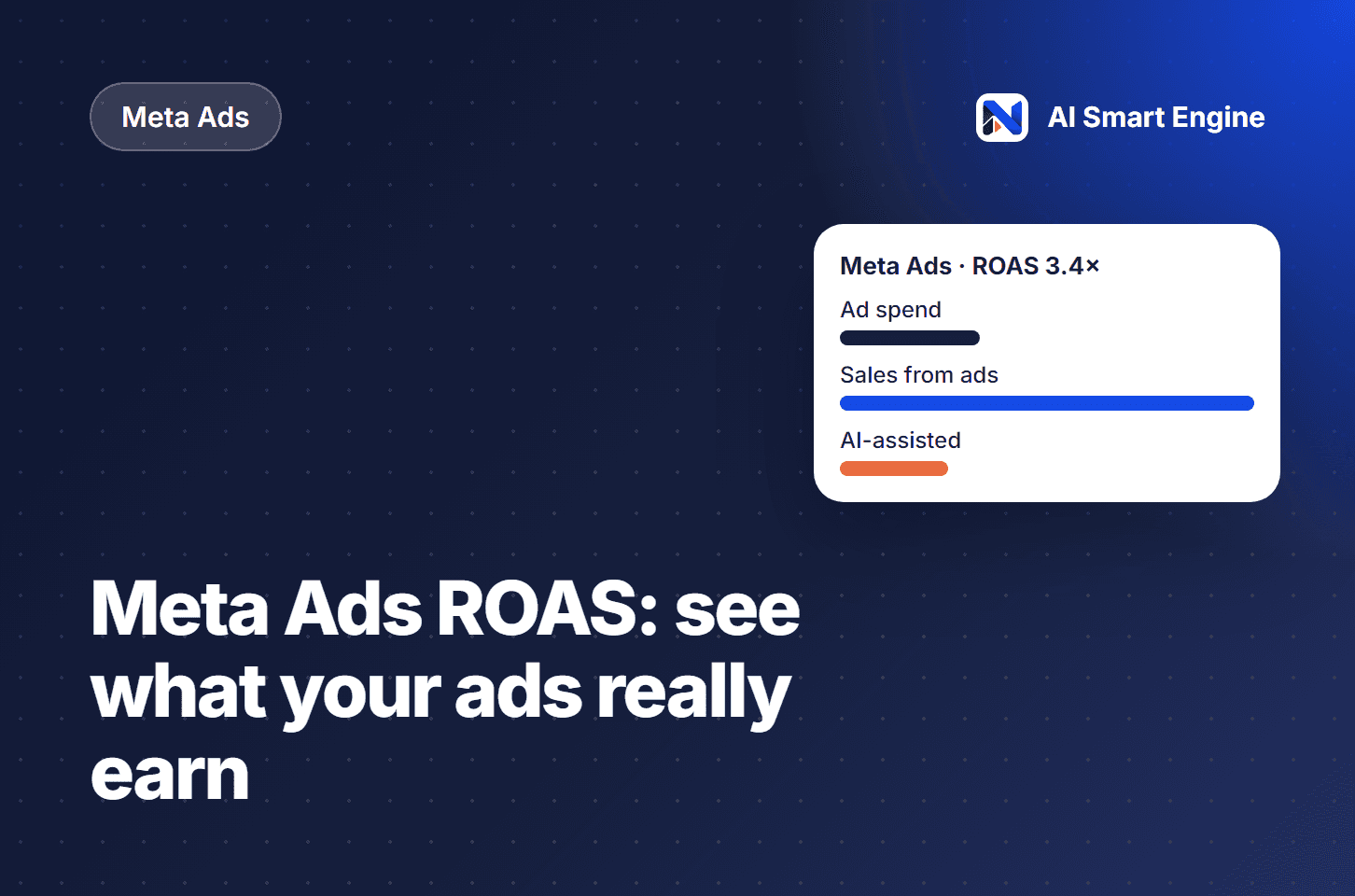
Return on ad spend, or ROAS, is the simplest way to know whether your Meta Ads are paying off. It is revenue from ads divided by what you spent on them. A ROAS of 3 means every ₹1 of spend brought back ₹3 in sales.
The formula is easy. Reading it correctly is where most Shopify stores go wrong.
Put spend and sales in the same place
Ad spend lives in Meta, and sales live in Shopify. Looking at them in two tabs makes it easy to compare different periods by mistake. Bring spend and the sales it drove into one view, for the same dates.
Know what ROAS leaves out
ROAS measures revenue, not profit. A campaign with a high ROAS can still lose money if your margins are thin or if returns are high. Use ROAS to compare campaigns, and use your margins to decide the target.
Watch the trend, not one day
Daily ROAS jumps around because sales and attribution take time to land. Look at a week or more before you pause a campaign, and compare it with the same period before the change.
Separate ad sales from AI-assisted sales
Some shoppers arrive from an ad but decide after a conversation with your store assistant. Seeing ad-driven sales next to AI-assisted sales shows you which part of the journey is really doing the work.
Ad spend for the period
Sales from ads for the same period
Sales helped by your AI assistant
Decide where to spend next
Move budget toward campaigns with a steady ROAS above your target, and fix the landing experience before you scale a campaign that brings clicks but few sales. Often the cheapest win is answering shoppers faster once they land.
How AI Smart Engine shows it
Connect Meta Ads to AI Smart Engine and your ad spend and ROAS appear next to the Shopify sales they drove, on the same period as the rest of your dashboard. The Pro plan also includes ad attribution and creating ads with AI.
Want to see this working on your own store? Book a demo and we’ll walk you through it.